



Sync Your IRCTC Master List Ahead of Time
Seconds win Tatkal seats! Save all passenger names, ages, and ID details in your IRCTC profile beforehand. When Tatkal opens in RailOne, tap to import your Master List instantly instead of typing on the fly.
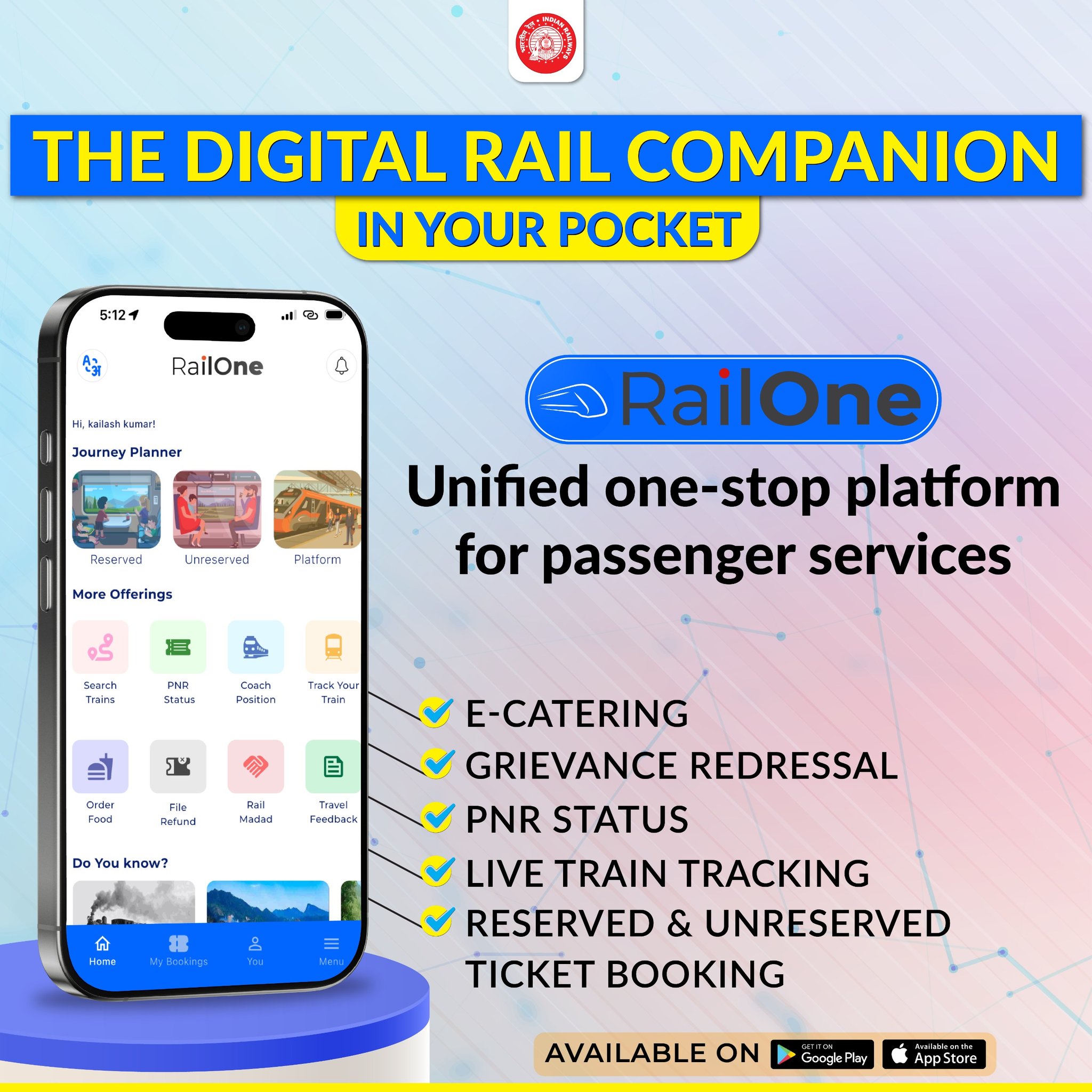
Enable Biometric Login for 1-Second Entry Skip typing long passwords or waiting for login OTPs when the clock hits 10 AM or 11 AM. Turn on Biometric / Fingerprint Sign-in in RailOne settings to jump straight to the search screen in a single touch.
Pre-Load R-Wallet for 1-Click Payments
Traditional bank OTPs are the #1 cause of failed Tatkal bookings during server surges. Top up your R-Wallet on RailOne before booking starts—it processes payments instantly with zero payment-gateway delays.
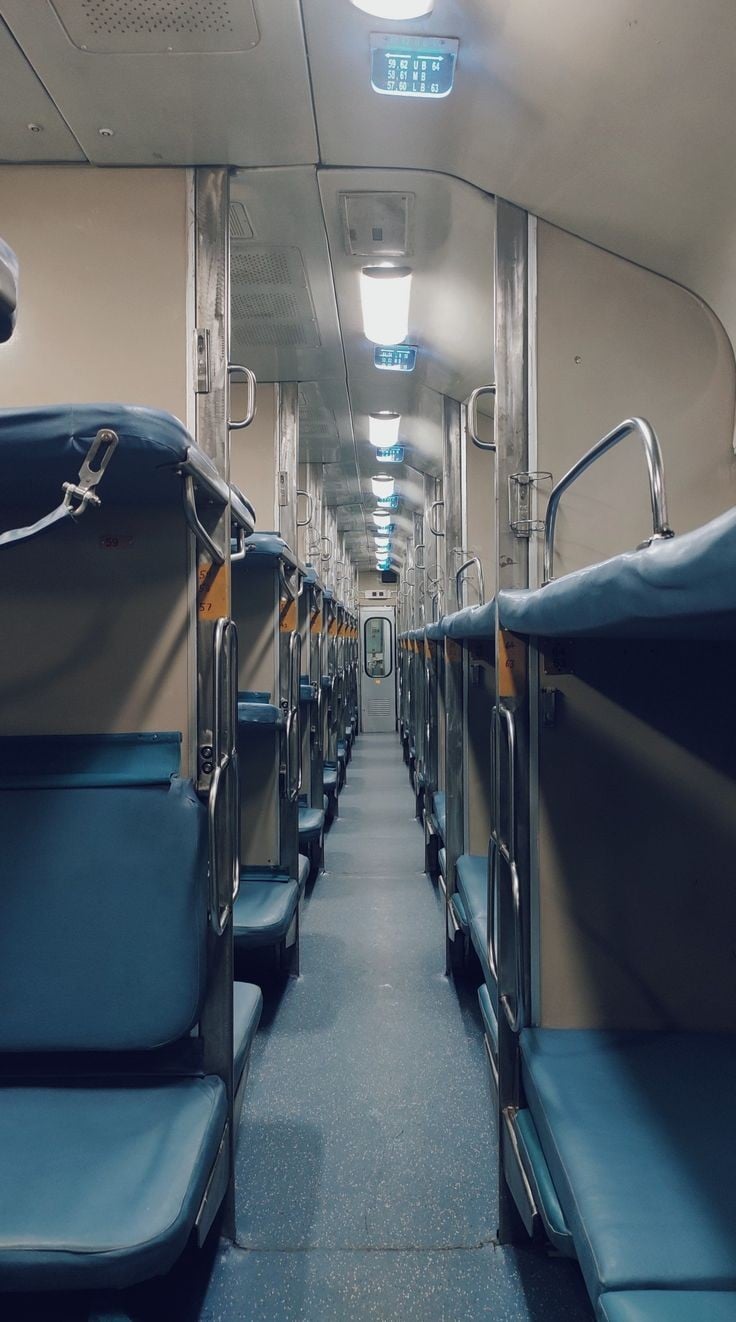
Open the App at 09:58 AM / 10:58 AM
Timing is everything. Log into RailOne exactly 2 minutes before Tatkal opens (09:58 AM for AC, 10:58 AM for Sleeper). Logging in too early causes session timeouts, while logging in late puts you in server queues.
Keep Station Codes Saved & Ready
Don’t waste time typing out full station names in the search bar. Memorize or copy-paste short station codes (like NDLS, HWH, or BCT) to load train lists instantly.
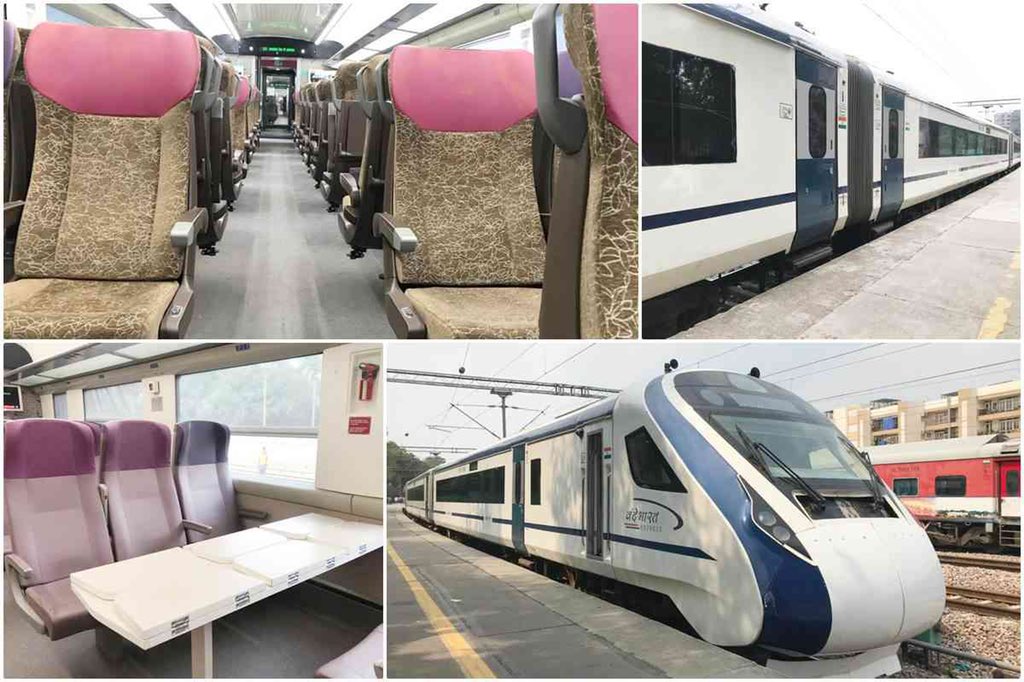
Bypass Seat & Berth Preferences
Selecting specific berth preferences (like lower berth) forces the algorithm to run extra validation checks, costing valuable seconds. Choose “No Preference” to speed up ticket processing and allotment.
Opt for Direct UPI as a Secondary Payment Route
If you aren’t using R-Wallet, choose Direct UPI (BHIM/Google Pay). Keep your UPI app unlocked on a second screen or split-screen so you can approve the payment request the second it hits.
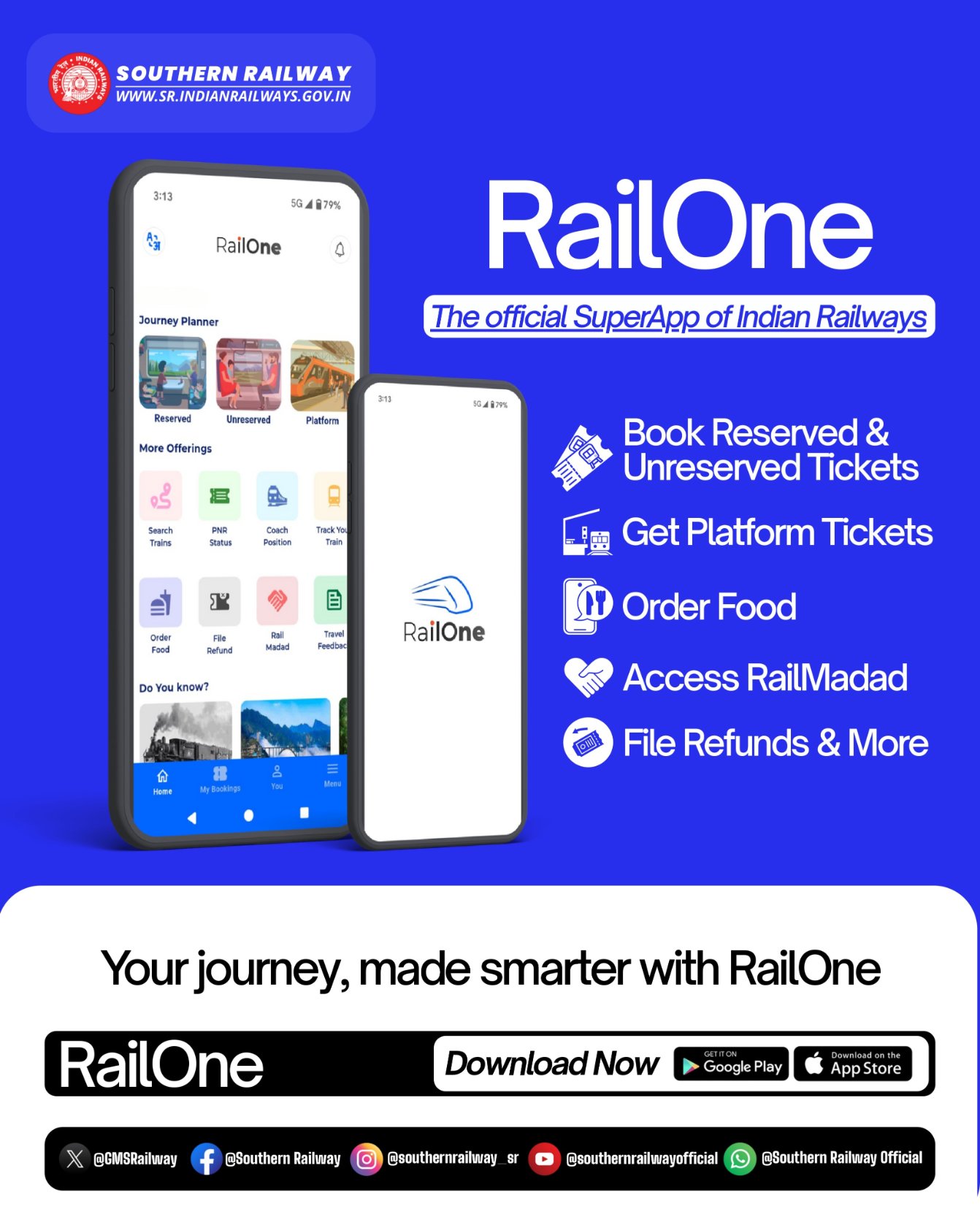
Use RailOne’s Lightweight UI to Your Advantage
Because RailOne runs on a streamlined Single Sign-On (SSO) architecture compared to web portals, it handles heavy server traffic better. Keep background apps closed and stay on a fast 5G connection for maximum speed.